
Link clients to your booking page
You can add a link to your booking page so clients can book their next appointment when they pick up your secure messages.
Set up your booking page link
- Sign in to your Hushmail account.
- Click the Options menu in the top-right corner of the page.
-
Select Preferences > Services.
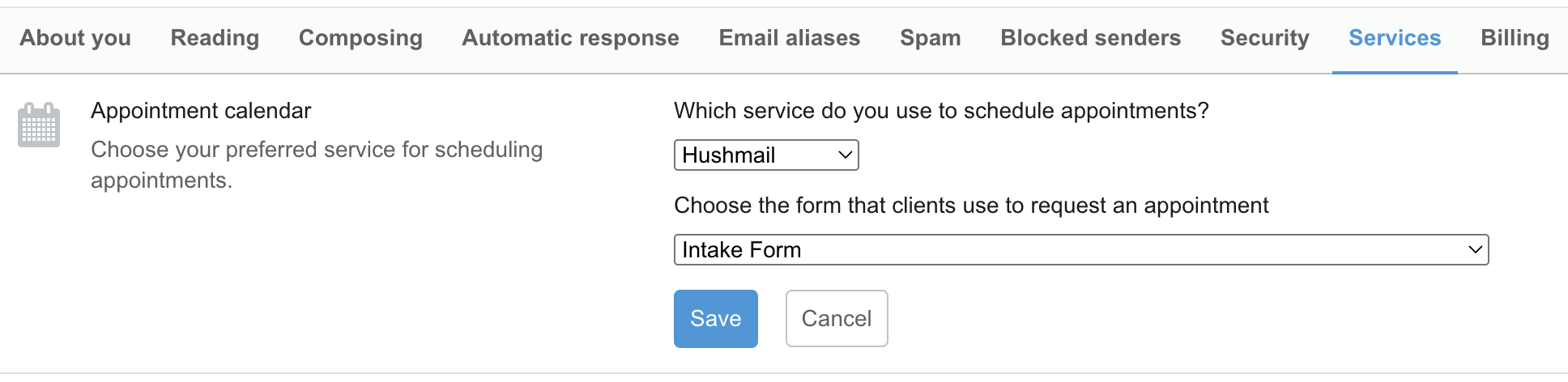
On the Services tab, click Click to set next to Appointment calendar.
Select the service you use to schedule appointments.
- If you select Hushmail, you can choose one of your secure web forms as your booking link.
- If you select another provider, enter a direct link to your booking page.
-
Click Save.
Note: You can use this link to go directly to the Services tab in your account.
What your client sees
After you save your booking page link, clients can use the link to book their next appointment with you.
